
Your first class is free. Booking it takes about two minutes, and you'll do everything through PushPress, the same system you'll use to reserve classes afterwards.
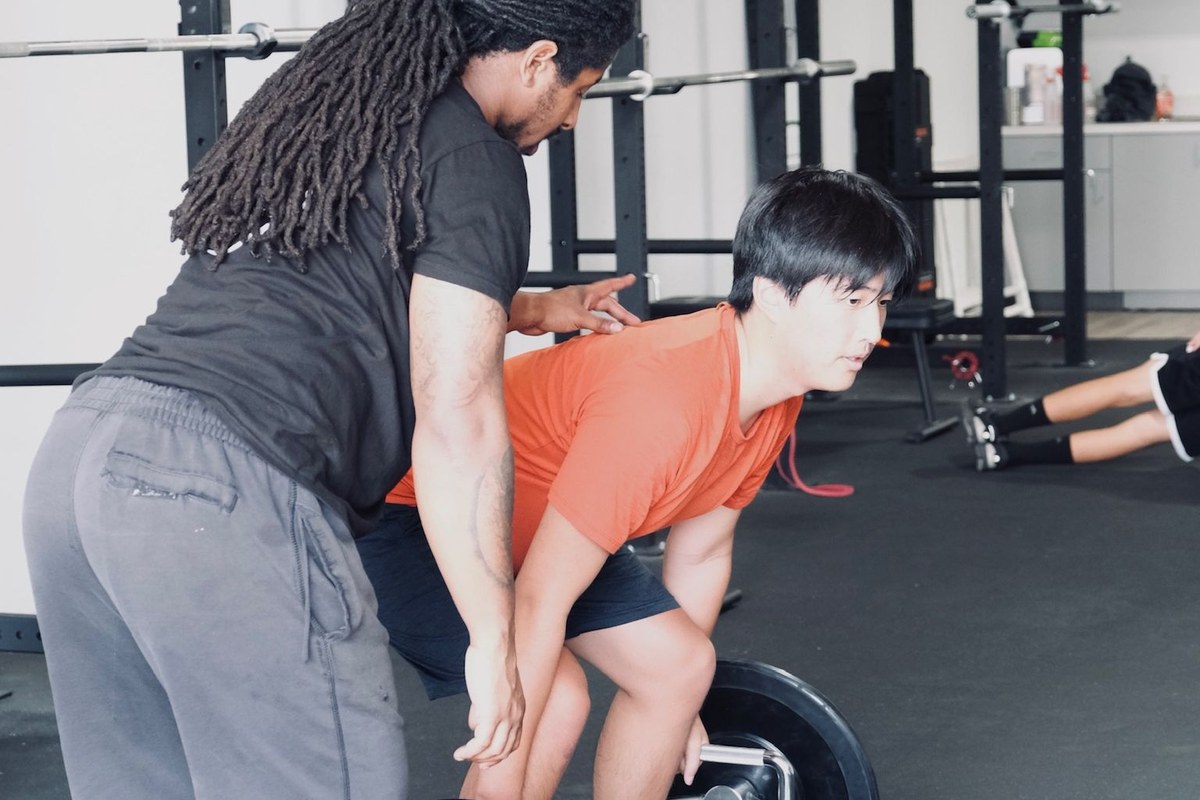
Book your free intro class
-
Start your booking
-
Enter your details
Name, email, and phone number.
-
Say who it's for
On the "Who is this for?" screen, choose For me if you're the one training. Signing up your child? Choose Someone else and enter their details on the next screen.
-
Pick your class
Choose a day and time that works. If you're not sure which class suits you, get in touch and we'll point you to the right one.
-
Sign the waiver
Select Sign documents and complete the waiver. Do this before you arrive so you can walk straight in and train.
Reserving classes after that
Two ways to do it. The app is easier.
The member app
Best for booking on the move, and it remembers who you're booking for.
- Download the PushPress Members app.
- Log in, then make sure the right person is selected. Tap Menu at the bottom right, then the three dots next to the name.
- Tap Classes at the bottom, pick a day, choose your class, and hit Reserve.
The member portal
Works in any browser, which is handy on a laptop.
- Log in to the member portal.
- In the "I want to…" dropdown, choose reserve a class.
- Pick a day and time, then hit reserve.
Good to know
- Reservations close 24 hours before class. If a class shows as unavailable, it's either full or you're inside that window.
- Class times shift week to week. The schedule page and the app always show what's actually running.
- Booking for more than one child? Add each of them to your account, then switch between them before reserving.
Still stuck?
Call us on (408) 256-3202, email contact@virtusperformanceclub.com, or send us a message. We'd rather sort it out in two minutes than have you give up on it.